Your agents, in motion.
9active tasks
 SOLSTICE/AI
In development
SOLSTICE/AI
In development
A workspace for your agents
See the work. Make the call.
Keep things moving from one beautifully simple workspace.
Briefings. Conversations. Your next move.
A little context. A clear next step.
From “what’s happening?”
to “here’s what’s next.”
01 / A card becomes a conversation
The summary is only the beginning. Pull the notch to open the conversation, add context, or answer a question right where the work lives.
Each workstream keeps its own thread and recipient.
Review your words before sending. Approvals stay explicit.
Try the notch, buttons, or keyboard arrows. This demo stays in your browser; nothing is sent to an agent.
Three directions, ready to explore.
Which one should I develop?
Demo only. Nothing is sent.
Your context, always at hand.
Same workstream. Same agent.Pull the notch down to open the conversation.
02 / The right amount of information
Useful signals, clear ownership, and room to go deeper when you need to.
Usage, with context
See your provider’s reported allowance, its source, and when it was checked. Missing information stays unknown.
Comparing your shortlist.
Progress, in plain sight
Distinguish a saved request from an agent that has started. See reported progress, questions, and completed results.
A photo. A file. A little context.
To your selected agentQuick Capture
Capture what’s in front of you, check the recipient, and send it with your request. Your agent’s file and vision tools determine what it can do next.
Example agents. Separate connections.
03 / Every agent has its place
Keep each agent’s requests, approvals, and history in its own channel. Bring decisions together in one inbox, with their source still in view.
About agent connections04 / Built for a moment’s glance
Bright glass, quiet color, and thoughtful details. On your iPhone, with widgets to keep saved updates close.
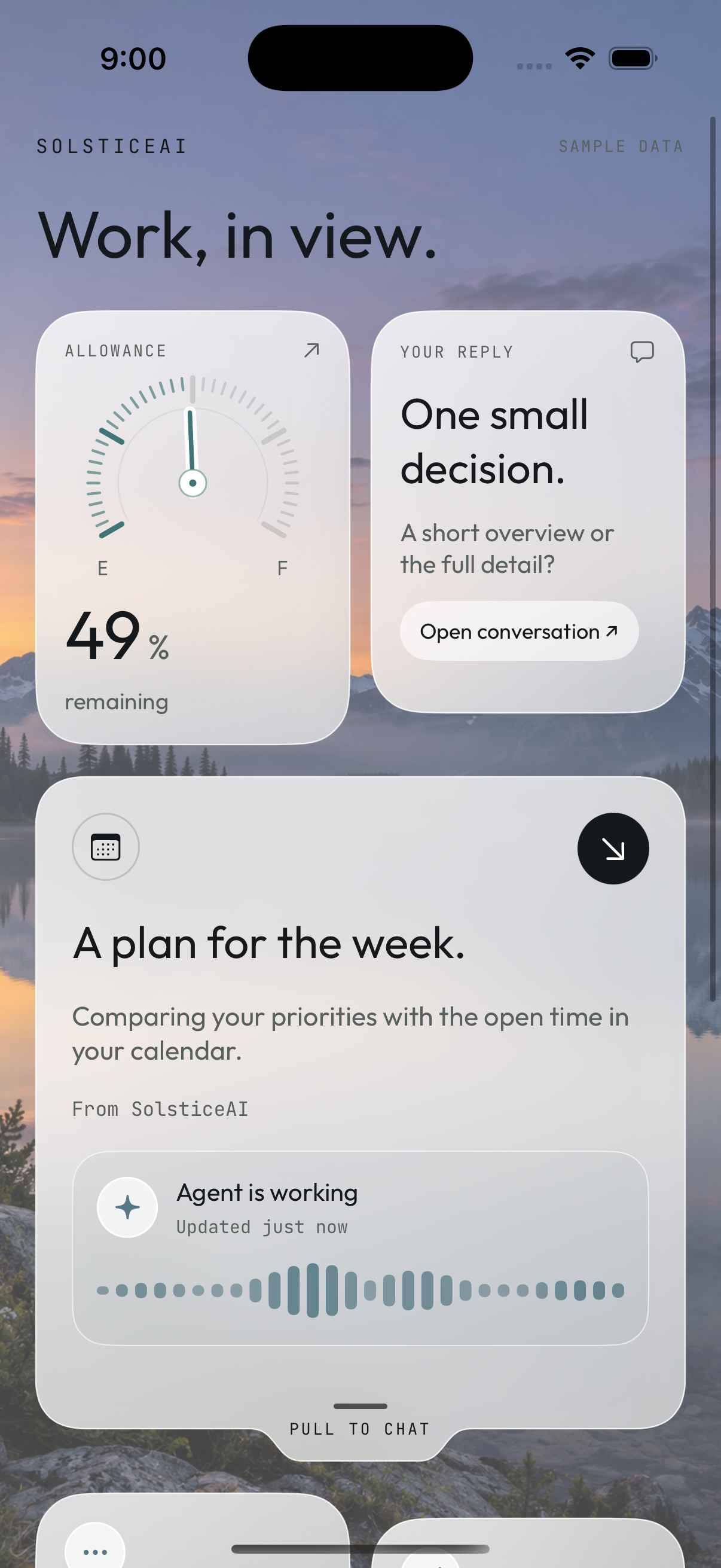
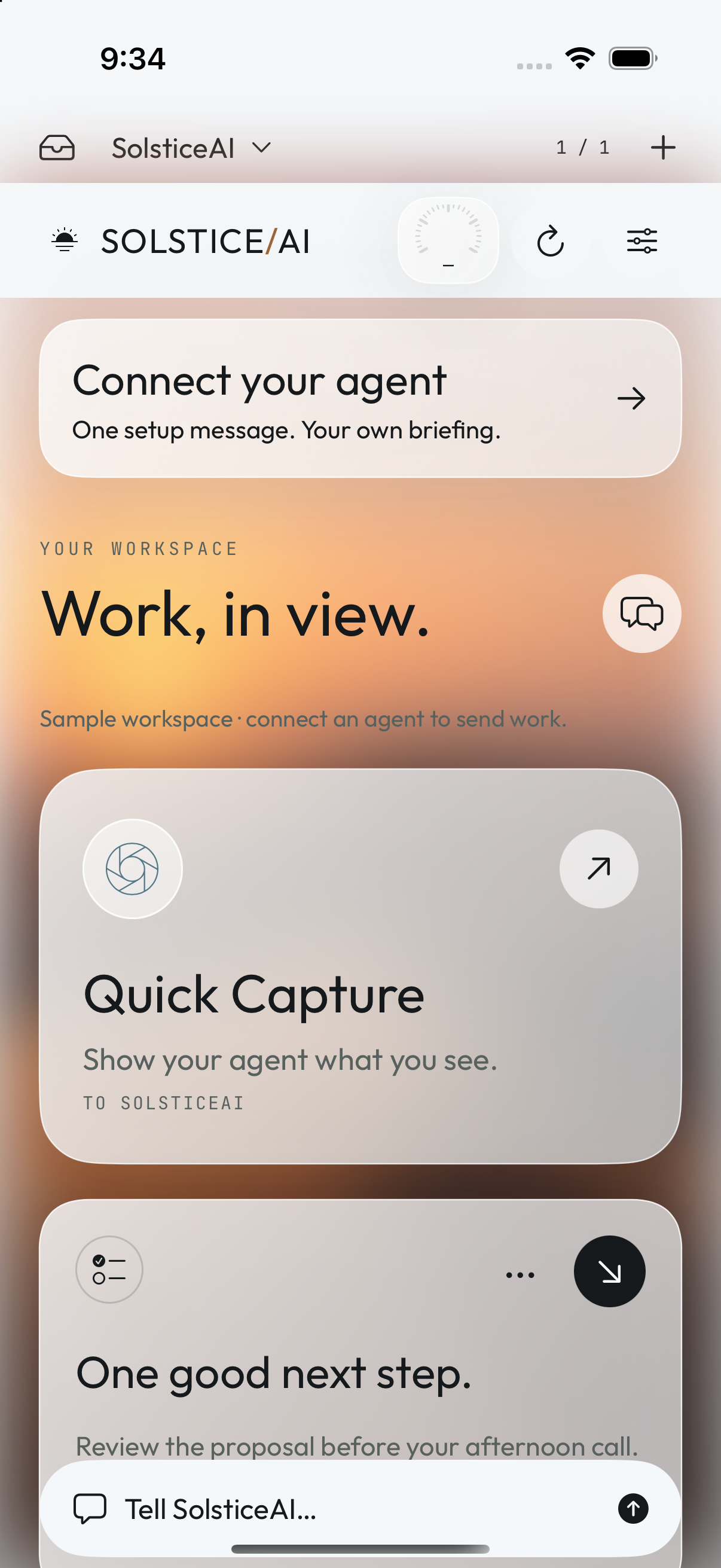
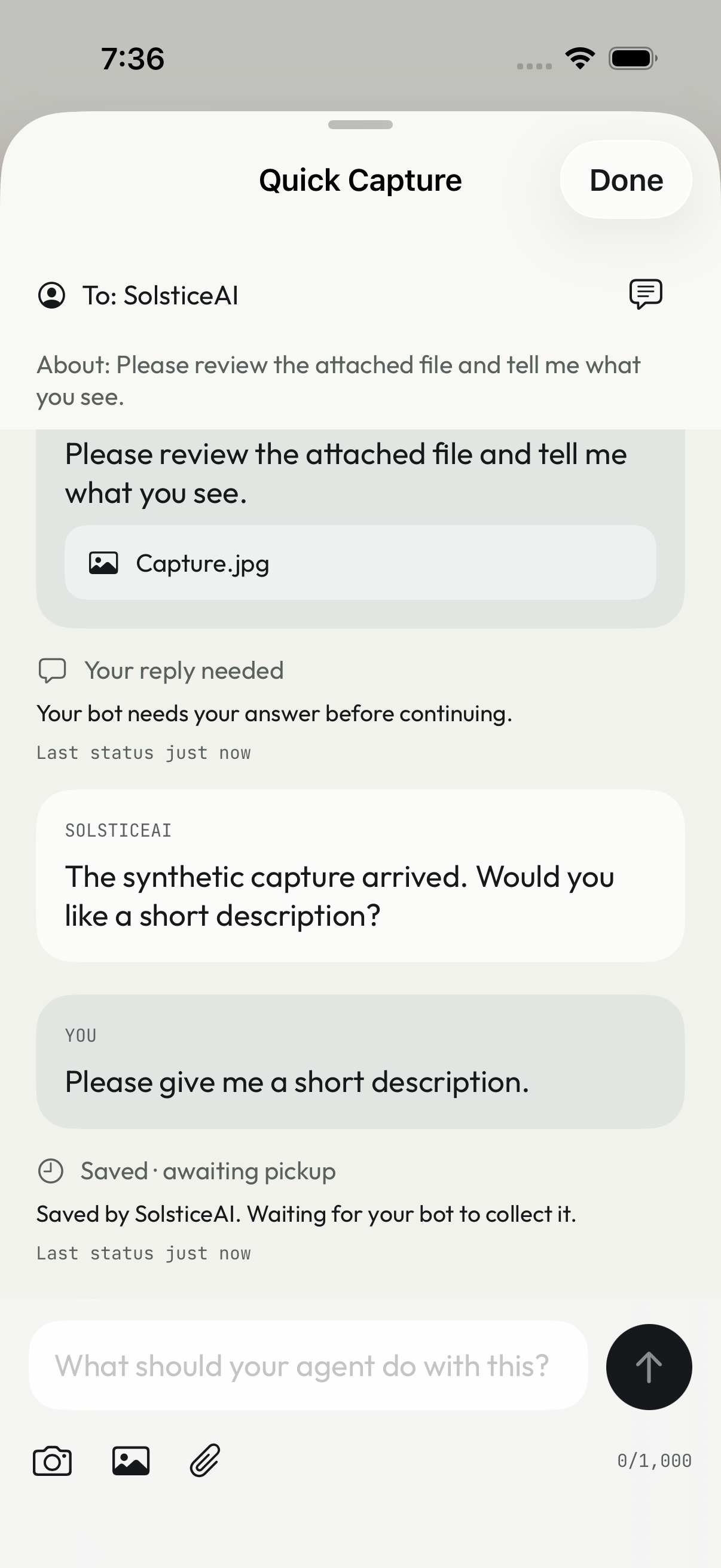
Development app and component screens with sample content. Final appearance and provider capabilities may vary.
SOLSTICE/AI · In development
We’re refining the iPhone experience.
Live agent connections are still being prepared.
Your agent provider is a separate service.